Recover access to locked mobile devices
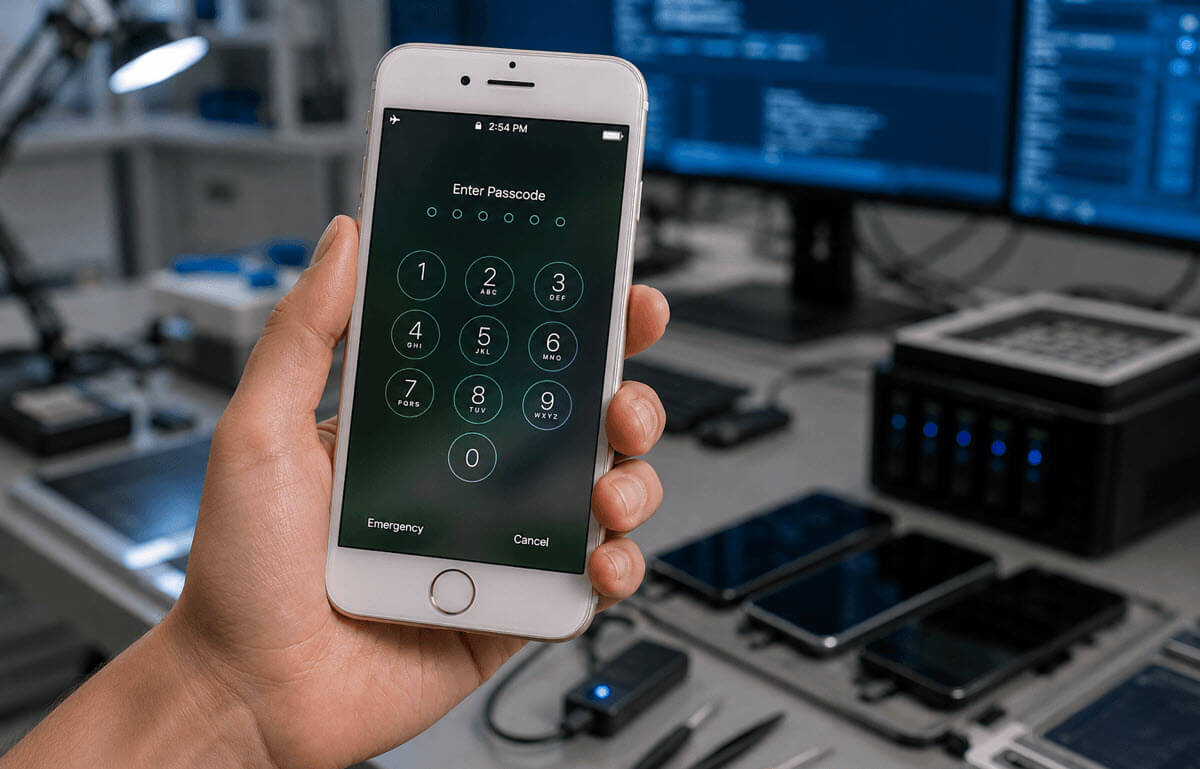
Locked mobile devices can contain critical evidence, but strong encryption and passcodes often prevent investigators from accessing it.
Belkasoft X's Mobile Passcode Brute-Force module helps forensic examiners recover passcodes from supported iOS and Android devices and allows them to proceed with evidence acquisition and analysis within the same investigation workflow.
How does Belkasoft X Mobile Passcode Brute-Force work?
iOS: Recover the Passcode and Unlock the Device
Belkasoft X brute-force can connect to a device even when the iOS USB Restricted Mode is enabled. It lifts login attempt restrictions, which allows it to try an unlimited number of passcode combinations. After the password is recovered, you can use it to continue the forensic acquisition and analysis of a device.
- Remove login attempt limits
- Recover passcode
- Unlock device
- Acquire and analyze evidence
Android: Recover the Passcode and Decrypt User Data
Android devices use different hardware security implementations depending on the chipset. On supported MediaTek, Kirin, and Unisoc devices, Belkasoft X acquires the data required for offline passcode recovery using model-specific workflows. Once the passcode is recovered, Belkasoft X decrypts the acquired image, allowing investigators to continue forensic analysis.
- Acquire cryptographic data
- Recover passcode
- Decrypt device image
- Analyze evidence
Talk to an expert who can help you to identify your needs and answer your questions
Talk to usSupported devices and brute-force speeds
iOS
iPhone 5 with iOS 9.0–10.3.4
iPhone 5C with iOS 9.0–10.3.4
11 passwords per second
iPhone 6/6 Plus with iOS 12–12.5.*
iPhone 6s with iOS 12–15
iPhone 6s Plus with iOS 12–15
iPhone SE (1st generation) with iOS 12–15
iPhone 7 with iOS 14–15
iPhone 7 Plus with iOS 14–15
iPad Pro (12.9-inch) (2nd generation) with iOS 14–15
iPad (6th generation) with iOS 14–15
iPad (7th generation) with iOS 14–15
iPad Pro (10.5-inch) (1st generation) with iOS 14–15
Quick brute-force: 3 passwords per second
Slow brute-force: 1 password per 8-9 minutes
* Belkasoft X identifies the device security configuration and notifies you on the brute-force speed it will use
Android
Kirin 970 and Kirin 980-based devices
- Huawei Nova 4 with Android 9–10
- Huawei P20 Pro with Android 9–10
- Honor 10 with Android 9–10
- Huawei Mate 10 with Android 9–10
- Huawei P20 with Android 9–10
- Huawei Nova 3 with Android 9–10
- Honor Note 10 with Android 9–10
- Huawei Mate 20, Huawei Mate 20 X
- Huawei Mate 20 Pro
- Huawei Mate 20 RS Porsche Design
- Honor View 20
- Honor Magic 2
- Honor Magic 2 3D
- Huawei Nova 5T
- Huawei Nova 5 Pro
- Huawei P30 Pro New Edition
- Huawei P30 Pro
- Huawei P30
- Huawei Mate X
- Huawei Mate 20 X 5G
- Honor 20
- Honor 20 Pro
- and others based on Kirin 970 and 980
80 passwords per second
MTK (MediaTek)-based devices with the following chipsets:
- MT3369, MT6731, MT6737, MT6739, MT6761, MT6762, MT6763, MT6765, MT6768, MT6769, MT6853, MT6873, MT6877, MT6880, MT6883, MT6885, MT6889, MT6890, MT6893, MT8765, MT8785, MT8766B, MT8768t
60 passwords per second, or 30 passwords per minute for certain models
Unisoc-based devices with the following chipsets:
- A7862, A7870, S8000, T310, T606, T610, T612, T616, T618, T700, T72XX, T760, T770, T820
50 passwords per second or faster, depending on the forensic workstation capacity
Why choose Belkasoft X Mobile Passcode Brute-Force?

Affordable entry into mobile passcode recovery
Belkasoft X supports a limited number of iOS and Android models that are commonly encountered in forensic investigations. This focused approach makes the module significantly more affordable than many competing solutions while still covering a wide range of real-world cases.

Unlimited device unlocks
Unlike solutions that license or charge on a per-device basis, Belkasoft X's Mobile Passcode Brute-Force module lets investigators recover passcodes from an unlimited number of supported devices under a single license. Whether you are processing one device or hundreds, there are no additional fees or unlock credits to purchase.

Smart passcode prioritization
The module includes predefined passcode dictionaries based on commonly used PINs. You can also use custom dictionaries to prioritize case-specific combinations before attempting a full brute-force search, helping reduce recovery time when the passcode is partially known.
FAQ
Mobile passcode recovery is the process of recovering the passcode protecting a mobile device so investigators can access digital evidence. Belkasoft X supports passcode recovery for selected iOS and Android devices using platform-specific forensic workflows.
Government customers can request a quote from Belkasoft sales. Private-sector customers can obtain the module as part of the Belkasoft X Scale edition and higher.
No. Mobile passcode recovery is available only for supported devices and operating system versions. Compatibility varies by platform, chipset, and security implementation.
Recovery speed depends on the device platform, hardware security configuration, and acquisition workflow. Detailed recovery speeds for supported devices are listed in the compatibility tables above.
After recovering the passcode, investigators can continue evidence acquisition and analyze the extracted data within the same Belkasoft X workflow.
