Entering missing data
Entering missing data
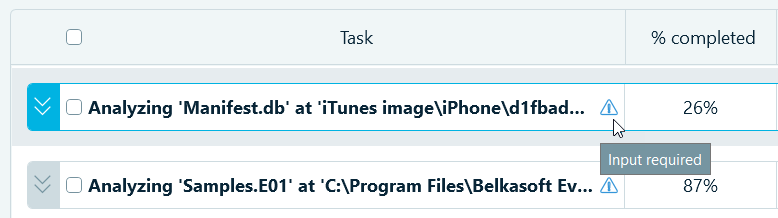
A blue warning sign next to a parent task indicates that one of the child tasks requires user input.
Expand the parent task, and next to a child task, click Enter missing data to view what information is required. For example, the iPhone password input dialog may look similar to the following:
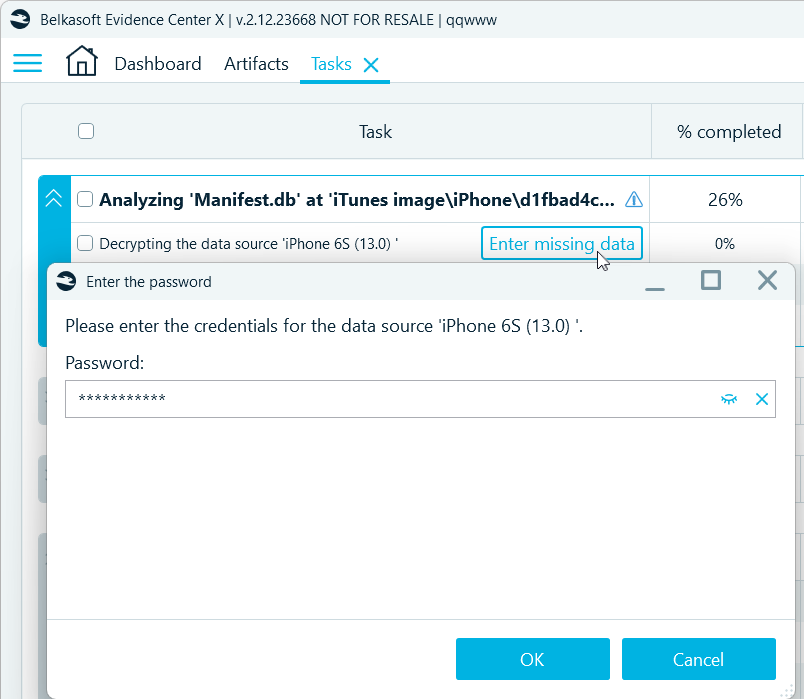
After you provide the necessary information and click OK, Belkasoft X will restart the task and change its status to Extracting data. If the entered data is incorrect, the decryption task will be displayed again..